ONE MODEL
Every module reads the same fluid
One shared modelTuned fluid · PR78 · 1 project
FIELD MODELLING
Converge is field-modelling software for oil and gas that runs in a browser tab. PVT, wells, reservoir, network and economics share one model, so every module reads the same fluid, from the lab report to the cash flow.
Converge is field-modelling software for oil and gas that runs in a browser tab. For operators in Nigeria and across West Africa taking on marginal and divested fields, one model carries the fluid from the old lab report to the fiscal terms, with no licence server to keep alive.
Converge is field-modelling software for oil and gas that runs in a browser tab. For gas-condensate and oil fields across North Africa, PVT, wells, reservoir, network and economics share one model, and an on-premises install keeps project data inside your network.
Converge is field-modelling software for oil and gas that runs in a browser tab. For oil and gas teams from Angola to Mozambique, whether the work is deepwater oil or gas for LNG, PVT, wells, reservoir, network and economics share one model, from the lab report to the cash flow.
Converge is field-modelling software for oil and gas that runs in a browser tab. National operators and their partners can check a fluid, a well or a development plan on one shared model, installed on-premises when project data must stay inside your network.
Converge is field-modelling software for oil and gas that runs in a browser tab. For mature North Sea and European fields, late-life gas and CO₂ storage screening, PVT, wells, reservoir, network and economics share one model, from the lab report to the cash flow.
Converge is field-modelling software for oil and gas that runs in a browser tab. Asset teams, independents and consultancies run PVT, nodal analysis, decline, material balance and economics on one shared fluid, from the lab report to the cash flow.
Converge is field-modelling software for oil and gas that runs in a browser tab. National operators, service companies and independents across Latin America share one model of the fluid, from the lab report to the fiscal terms.
Converge is field-modelling software for oil and gas that runs in a browser tab. For gas and LNG supply, condensate fields and mature oil across Asia-Pacific, PVT, wells, reservoir, network and economics share one model, from the lab report to the cash flow.
PHASE ENVELOPE
Gas condensate · PR78 · P–T
Pressure, psia · temperature, °FPressure, bara · temperature, °C
Computed by the Converge engine for a sample fluid.
One fluid feeds every module. Your simulators, lab reports and team stay where they are.
ONE MODEL
INPUTS
Fluid model built
EXPORTS
ACCESS
Peng-Robinson and SRK, plus-fraction splitting, phase envelope, lab experiments, live tuning.
Correlations matched to lab data, tables for the rest of the project.
Reads a lab report, builds the fluid model and answers from every module, each number traced to a calculation.
Inflow, vertical lift, nodal analysis, gas lift and ESP.
Tanks, aquifers, diagnostic plots, history match.
Arps and modern decline models, P90/P50/P10, batch decline across a field.
Derivative diagnostics and analytical models.
Gathering network solve and optimisation.
Three-phase black-oil grid simulator.
Reservoir, wells and network run together through time.
Cash flow, NPV, IRR and fiscal terms, including Nigeria PIA 2021 templates.
INDUSTRIES
Built for the teams that turn samples, tests and production data into decisions, from asset teams and national operators to labs, consultancies and classrooms.

Gas lift, workovers and development plans on one shared model.

Small teams in Nigeria and West Africa covering fluid to fiscal terms.
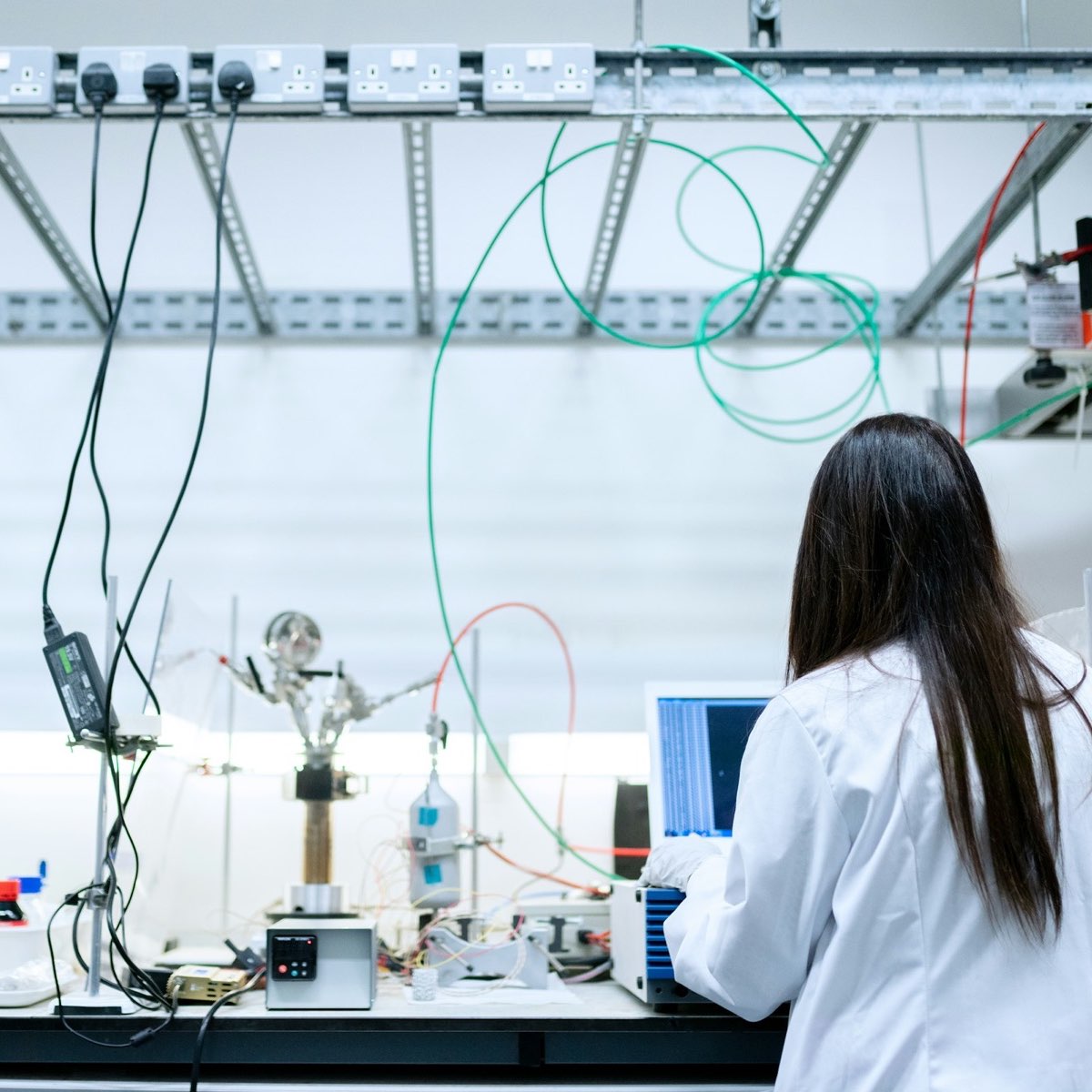
Tuned fluid models and simulator tables delivered with the report.

One project from the PVT class to the economics exercise.

Screen many fields at once and check the numbers partners submit.
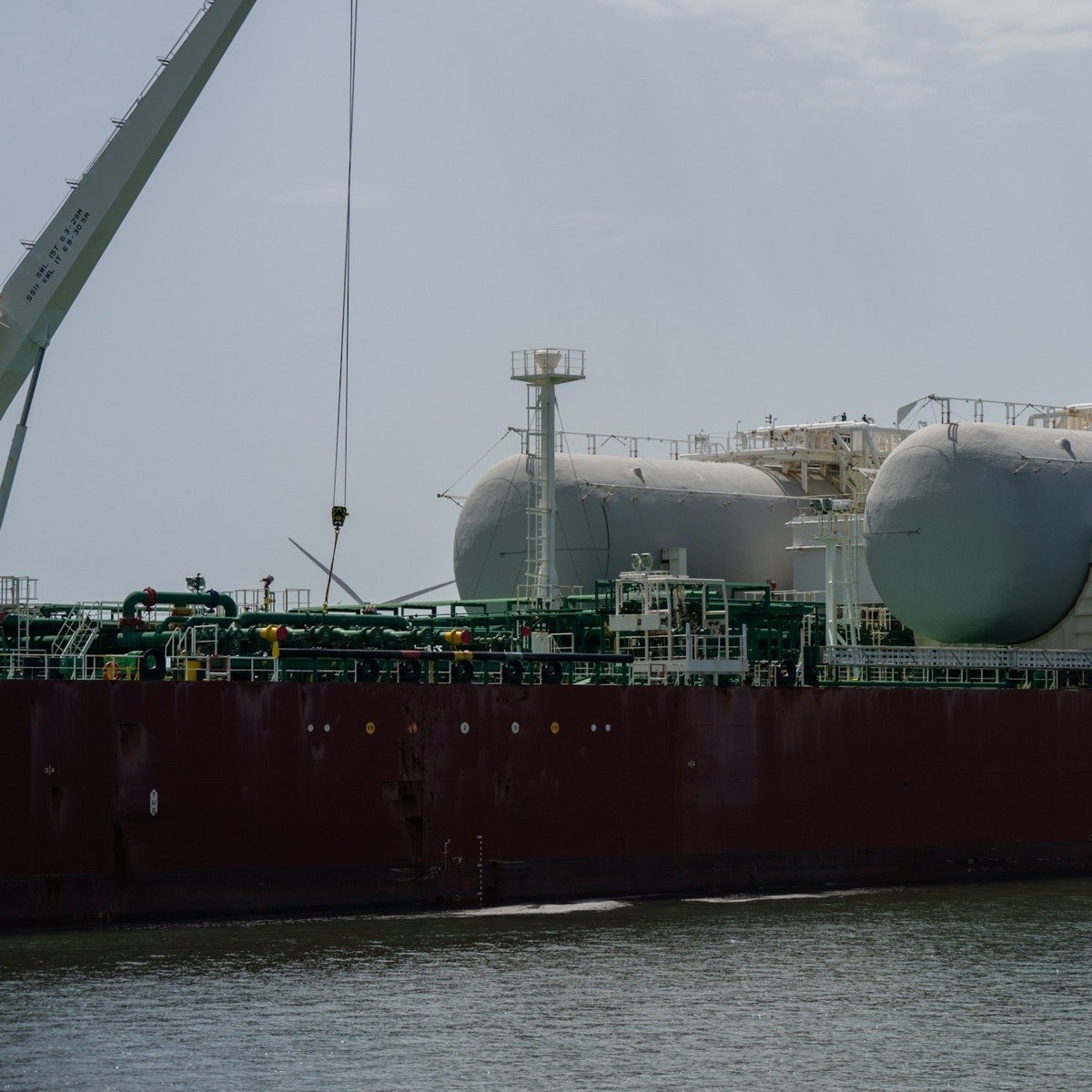
Deliverability, condensate drop-out and plateau length on one gas model.
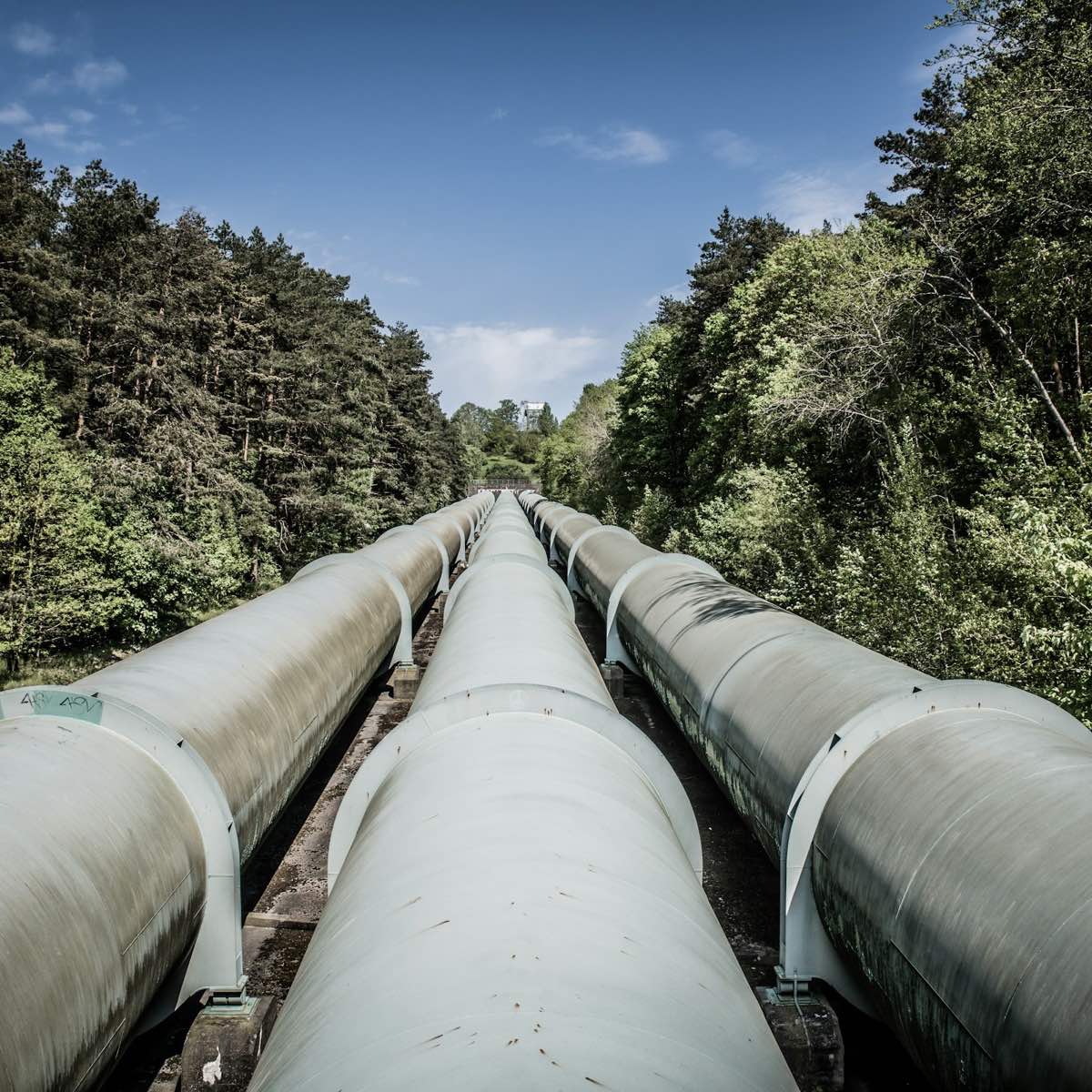
CO₂ phase behaviour, MMP and injectivity screening before the full study.

Lift and test proposals in formats the client's own tools can read.

Reserves reviews and studies that show their working, from fluid to economics.
FLUID TUNING
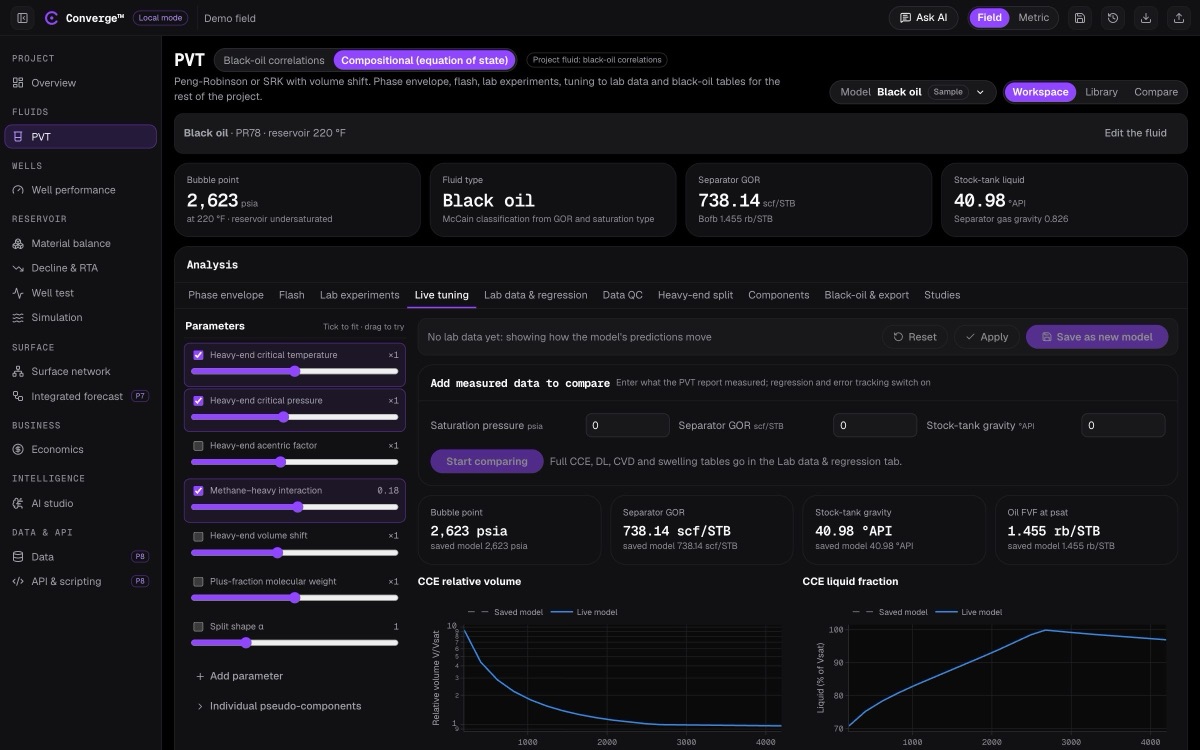
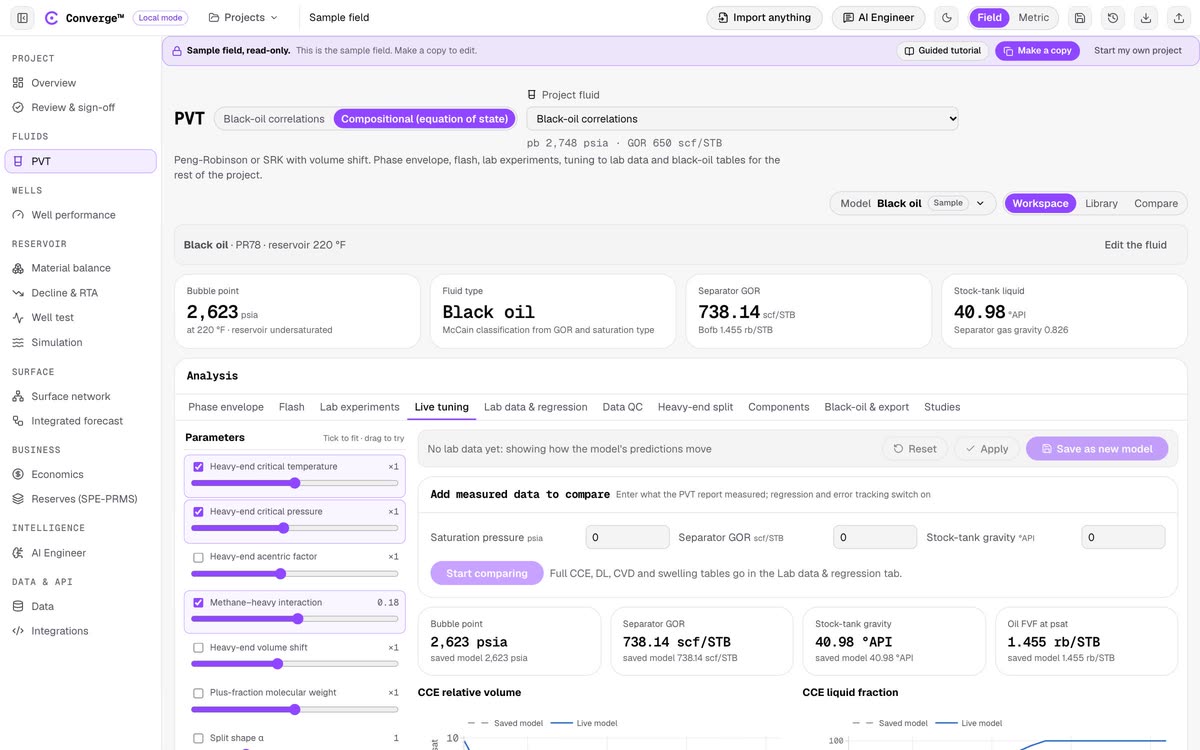
Drag a parameter and saturation pressure, separator GOR, CCE and differential liberation recalculate in roughly 20 to 50 milliseconds. See compositional PVT.
AI ENGINEER
Upload a PVT report as PDF, Excel or Word. The AI Engineer reads it, builds the fluid model with the Converge engine and explains the results. How the AI Engineer works.
Build a fluid model from this PVT report and run the CCE.
read report.pdf: C1–C6, C7+ (MW 218, SG 0.852), reservoir 220 °F104 °C
characterise: gamma split, 5 pseudo-components, PR78
calculate: bubble point, CCE relative volume at 9 pressures
Model drafted from the report: 11 components, Peng-Robinson 1978. Bubble point 2,623 psia180.8 bara at 220 °F104 °C. The CCE table and plot are in your project, next to the lab values. Accept the draft to make it the project fluid.
Every model it builds lists the inputs it read, so you can check it before you rely on it.

IN THE FIELD
The fluid model built from the first sample is the one the wells, the network and the economics read years later.
ACCURACY
Converge checks its equation-of-state engine on every build. Saturation pressures match thermo 0.6.1 within 0.01% and flash compositions within 1×10⁻⁵. Pure-component vapour pressures sit within 3% of NIST data, propane liquid density within 3% and methane viscosity within 5 to 10%. A change that breaks these checks does not ship. See every benchmark, from SPE1 to NPV.
The equation-of-state engine is tested against an independent open-source implementation and against NIST measurements. These checks run in the test suite, so a change that breaks them does not ship.
FAQ
Converge is field-modelling software for oil and gas that runs in a browser tab. Compositional and black-oil PVT, well performance, material balance, decline and RTA, well test, surface network, simulation, integrated forecast and economics all read one shared fluid model. Pave Technologies makes Converge.
Choose business or student when you create your account. Business accounts start with a free trial of the core modules. Students sign up with their school email address, and the school must be on our approved list; if yours is missing, ask us to add it.
A student account is opened with a school email address from an approved school. It includes black-oil PVT and compositional PVT with up to 12 components, the read-only Sample field across every module, and the guided tutorials that walk through it. Your own project starts empty, so your coursework never mixes with sample values.
Reservoir, production and PVT engineers, and the teams they work in: upstream operators, national oil companies, marginal-field operators, service companies, consultancies, PVT and core laboratories, gas and LNG producers, carbon storage teams and universities. See who uses Converge for one worked example per team.
No. Converge runs in a browser tab. There is no installer, no licence dongle and no licence server to maintain.
A seat belongs to the company, not to a person. Opening a module takes a free seat and closing it gives the seat back, so three seats means any three of your engineers at once. See how the seat model works.
Black-oil PVT tables for your nodal analysis, material-balance and network models. PVTO/PVDG, PVTG/PVTO and PVTW keyword tables, or a *PVT table, for black-oil simulators. A keyword-format EOS deck or an EOS block for your compositional simulator, and RSVD/RVVD initialisation tables. Every table also exports as CSV.
Yes. Converge can be installed on-premises, on your own servers, so project data never leaves your network. The engineering modules, from PVT to economics, run fully offline. The AI Engineer needs a model to talk to: either a cloud AI provider your company approves, or a model you host yourselves inside your network. See on-premises.
Each company gets a database of its own for projects, saved versions and seat records. Data residency is available on request. See security and data.
The major cloud AI providers, whichever your company approves, or a model you host yourselves on an on-premises install. If a model is unavailable, the AI Engineer falls back to the next model your company has configured. It never sends a request to a provider you have not set up.
Yes. The engineering calculations run in your browser, not on our servers, so a flash, a nodal solve or a simulation run does not wait on the network. The app's code is cached by your browser after the first visit, and the open project is kept in browser storage while you work, so a normal session sends mainly your saves. This site's home page loads in under 100 KB before you scroll, or about 210 KB in Arabic with its own font. The AI Engineer does need a connection to its model.
Yes, in open formats. Production data imports and exports as CSV or Excel, projects export as JSON, and black-oil tables export in standard simulator keyword formats. The REST API and the MCP server give your own systems the same access. See open data.
Yes. Ask it to match your lab data and it regresses the equation-of-state parameters to the measured bubble point, separator GOR, densities and other lab results, then reports the fit for every target, including any it could not bring inside tolerance. The tuned model is a draft: nothing becomes the project fluid until you accept it. You can also tune by hand in the live tuning screen, where each update takes roughly 20 to 50 milliseconds.